Pixel Sorting
First appeared 2010 · Kim Asendorf — Popularized as a glitch technique by Kim Asendorf (2010). · timeline ↗
community / folk Name — A descriptive term for the glitch technique popularized as an art method by Kim Asendorf (2010); no formal coinage event.
In one line A glitch technique that reorders the pixels within rows or columns of an image by some key (brightness, hue…), restricted to spans selected by a threshold — smearing the image into characteristic streaks.
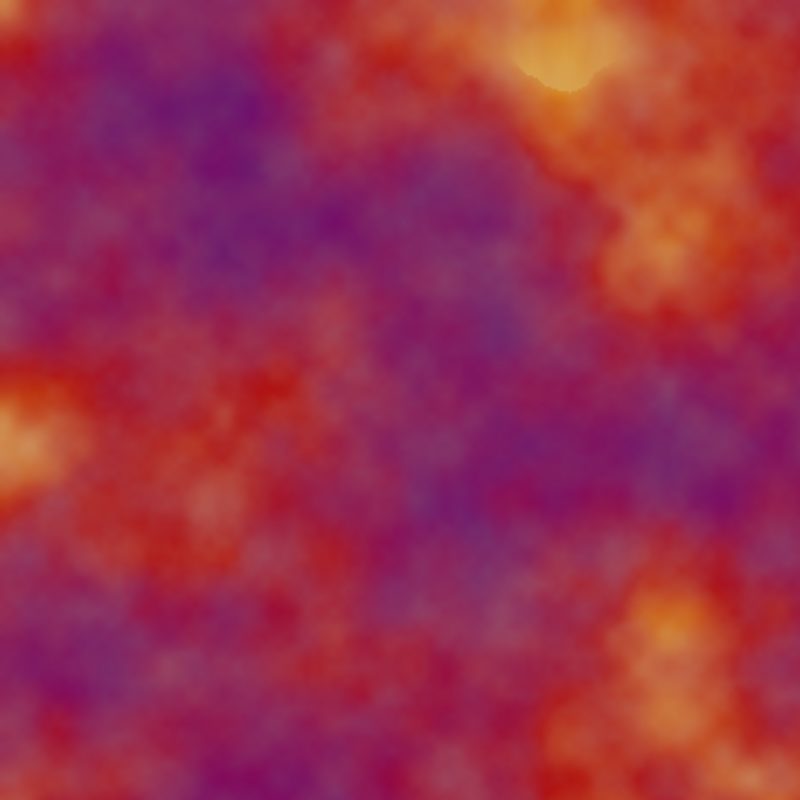
The code
The actual sketch behind the demo above — sandboxed and reproducible. This is the whole thing.
pixel-sorting/index.html
const SEED = Math.floor(Math.random()*1e9);

// Generate a colourful noise field, then "pixel sort": within each column,
// contiguous runs whose brightness exceeds a threshold are sorted by
// brightness — the classic glitch-sort streak look.
const RES = 360;

function setup() {
  randomSeed(SEED); noiseSeed(SEED);
  const s = Math.min(windowWidth, windowHeight);
  pixelDensity(1);
  const cnv = createCanvas(RES, RES);
  cnv.elt.style.width = s + 'px';
  cnv.elt.style.height = s + 'px';
  colorMode(HSB, 360, 100, 100);
  noStroke();

  const baseHue = random(360);
  // paint a smooth field
  for (let y = 0; y < RES; y++)
    for (let x = 0; x < RES; x++) {
      const n = noise(x*0.01, y*0.01);
      const n2 = noise(x*0.04+9, y*0.04);
      set(x, y, color((baseHue + n*160)%360, 50+n2*50, 30+n*70));
    }
  updatePixels();

  loadPixels();
  const bright = (i) => 0.3*pixels[i] + 0.59*pixels[i+1] + 0.11*pixels[i+2];
  const thresh = 70 + random(60);
  for (let x = 0; x < RES; x++) {
    let y = 0;
    while (y < RES) {
      // find a run of bright pixels
      while (y < RES && bright(4*(y*RES+x)) < thresh*2.0) y++;
      const start = y;
      while (y < RES && bright(4*(y*RES+x)) >= thresh*2.0) y++;
      const end = y;
      if (end - start > 2) {
        const run = [];
        for (let k = start; k < end; k++) {
          const i = 4*(k*RES+x);
          run.push([pixels[i], pixels[i+1], pixels[i+2], bright(i)]);
        }
        run.sort((a, b) => a[3] - b[3]);
        for (let k = start; k < end; k++) {
          const i = 4*(k*RES+x);
          const c = run[k-start];
          pixels[i]=c[0]; pixels[i+1]=c[1]; pixels[i+2]=c[2];
        }
      }
    }
  }
  updatePixels();
}How it works
Process the image one row (or column) at a time: 1. Walk the row and find contiguous spans whose pixels satisfy a threshold — e.g. brightness between a low and high cutoff (so only some regions sort). 2. Within each span, sort the pixels by a key: luminance, hue, saturation or red/green/blue value. 3. Write the sorted span back in place. Because only thresholded spans move, edges act as boundaries and the sorted runs stretch into smooth gradients/streaks while structure is partly preserved. Sorting columns too, choosing different keys, or angling the scan direction varies the effect.
Parameters
threshold: number — Brightness/hue bounds defining which contiguous spans get sorted.direction: string — Axis along which spans are sorted (horizontal or vertical).sortKey: string — The value sorted on (brightness, hue, saturation).
Lineage
Frequently combined with
- Particle System · 1 work
- Glitch / Datamosh · 1 work
Works using this algorithm (1)
Last updated 2026-07-16