Pixel Sorting
初出 2010 · Kim Asendorf — Popularized as a glitch technique by Kim Asendorf (2010). · 年表 ↗
コミュニティ・通称 名称 — グリッチ技法の記述的呼称。Kim Asendorf(2010) がアート手法として普及させた。正式な命名イベントはない。
ひとことで 画像の行/列を特定の閾値で並べ替えることで縞状のグリッチ的表現を作る手法。
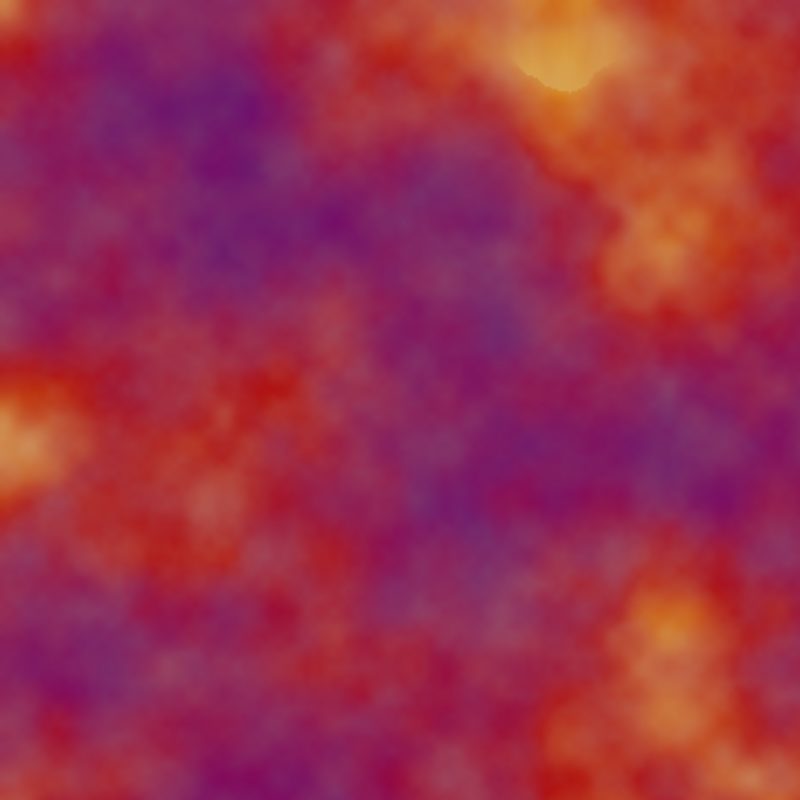
コード
上のデモの実際のスケッチ(サンドボックスで再現可能)。これで全部です。
pixel-sorting/index.html
const SEED = Math.floor(Math.random()*1e9);

// Generate a colourful noise field, then "pixel sort": within each column,
// contiguous runs whose brightness exceeds a threshold are sorted by
// brightness — the classic glitch-sort streak look.
const RES = 360;

function setup() {
  randomSeed(SEED); noiseSeed(SEED);
  const s = Math.min(windowWidth, windowHeight);
  pixelDensity(1);
  const cnv = createCanvas(RES, RES);
  cnv.elt.style.width = s + 'px';
  cnv.elt.style.height = s + 'px';
  colorMode(HSB, 360, 100, 100);
  noStroke();

  const baseHue = random(360);
  // paint a smooth field
  for (let y = 0; y < RES; y++)
    for (let x = 0; x < RES; x++) {
      const n = noise(x*0.01, y*0.01);
      const n2 = noise(x*0.04+9, y*0.04);
      set(x, y, color((baseHue + n*160)%360, 50+n2*50, 30+n*70));
    }
  updatePixels();

  loadPixels();
  const bright = (i) => 0.3*pixels[i] + 0.59*pixels[i+1] + 0.11*pixels[i+2];
  const thresh = 70 + random(60);
  for (let x = 0; x < RES; x++) {
    let y = 0;
    while (y < RES) {
      // find a run of bright pixels
      while (y < RES && bright(4*(y*RES+x)) < thresh*2.0) y++;
      const start = y;
      while (y < RES && bright(4*(y*RES+x)) >= thresh*2.0) y++;
      const end = y;
      if (end - start > 2) {
        const run = [];
        for (let k = start; k < end; k++) {
          const i = 4*(k*RES+x);
          run.push([pixels[i], pixels[i+1], pixels[i+2], bright(i)]);
        }
        run.sort((a, b) => a[3] - b[3]);
        for (let k = start; k < end; k++) {
          const i = 4*(k*RES+x);
          const c = run[k-start];
          pixels[i]=c[0]; pixels[i+1]=c[1]; pixels[i+2]=c[2];
        }
      }
    }
  }
  updatePixels();
}仕組み
画像を 1 行(または 1 列)ずつ処理する:(1) 行を走査し、閾値を満たす連続区間を見つける(例:明度が下限〜上限の範囲 — 一部の領域だけが並べ替え対象になる)、(2) 各区間内の画素をキー(輝度・色相・彩度・RGB 値など)で整列、(3) 整列結果をその場に書き戻す。閾値区間だけが動くためエッジが境界になり、整列された区間は滑らかなグラデーション/筋に伸びつつ構造は部分的に保たれる。列も並べ替える・キーを変える・走査方向を傾けると効果が変わる。
パラメータ
threshold: number — Brightness/hue bounds defining which contiguous spans get sorted.direction: string — Axis along which spans are sorted (horizontal or vertical).sortKey: string — The value sorted on (brightness, hue, saturation).
系譜
よく組み合わされるアルゴリズム
- Particle System · 1 作品
- Glitch / Datamosh · 1 作品
このアルゴリズムを使う作品 (1)
最終更新 2026-07-16