Plotter-style Hatching
単一の起源作品はない。ハッチングによる線だけの階調表現は、計算機以前(版画や素描)に 遡る。その生成的な形は、1960年代のペンプロッタの先駆者たち——ドラム式・フラットベッド式 プロッタで描いたゲオルク・ネース、フリーダー・ナケ、ヴェラ・モルナール——と結びつき、 プロッタ・コミュニティの実践として続いている。年代を特定できる「最初」ではなく系譜。
コミュニティ・通称 名称 — ペンプロッタのハッチング(Nees・Nake・Molnár らの使用)の記述的カテゴリ名。命名・エポニムではない。
ひとことで ペンプロッタを意識した線描表現。ハッチング・クロスハッチング・等高線で陰影を表す。

コード
上のデモの実際のスケッチ(サンドボックスで再現可能)。これで全部です。
plotter-hatching/index.html
const SEED = Math.floor(Math.random()*1e9);

// Pen-plotter style cross-hatching: a noise field defines a "tone" at each
// point; darker tone → more hatch layers at varied angles. Lines only.
function setup() {
  noiseSeed(SEED); randomSeed(SEED);
  const s = Math.min(windowWidth, windowHeight);
  createCanvas(s, s);
  background('#f5f1e8');
  stroke(20, 30, 40, 150);
  strokeWeight(s * 0.0011);

  const FREQ = 0.0045;
  const tone = (x, y) => {
    // layered noise → 0..1, biased so most of the canvas is light
    let v = noise(x * FREQ, y * FREQ) * 0.7 + noise(x * FREQ * 3, y * FREQ * 3) * 0.3;
    return Math.max(0, Math.min(1, (v - 0.35) / 0.45));
  };

  // Hatch passes at increasing tone thresholds and rotated angles.
  const passes = [
    { angle: Math.PI * 0.25, thresh: 0.15 },
    { angle: -Math.PI * 0.25, thresh: 0.40 },
    { angle: 0, thresh: 0.62 },
    { angle: Math.PI * 0.5, thresh: 0.80 },
  ];
  const spacing = s * 0.012;
  const stepLen = s * 0.01;

  for (const pass of passes) {
    const { angle, thresh } = pass;
    const ca = Math.cos(angle), sa = Math.sin(angle);
    // sweep lines across the rotated domain
    const diag = s * 1.5;
    for (let off = -diag; off < diag; off += spacing) {
      let drawing = false;
      beginShape();
      for (let t = -diag; t < diag; t += stepLen) {
        // point on a line at this offset/angle, centered
        const x = s/2 + ca * t - sa * off;
        const y = s/2 + sa * t + ca * off;
        if (x < 0 || y < 0 || x >= s || y >= s) {
          if (drawing) { endShape(); drawing = false; }
          continue;
        }
        if (tone(x, y) >= thresh) {
          if (!drawing) { beginShape(); drawing = true; }
          vertex(x, y);
        } else if (drawing) {
          endShape();
          drawing = false;
        }
      }
      if (drawing) endShape();
    }
  }
}
function noFillInit(){}仕組み
プロッタは線しか描けない(塗りなし)ため、暗さは領域に集まる線の本数で表す:(1) トーン源を用意(グレースケール画像・SDF・ノイズ場)、(2) 各領域で暗さに比例したハッチング密度(線が多い/密=暗い)と方向(固定・勾配追従・フローフィールド)を選ぶ、(3) ストロークを生成 — 平行ハッチ、暗部用に交差させる第2層(クロスハッチ)、トーン場の等値線、(4) ストロークを形の境界でクリップし、共線分を結合してペンの上げ下げを最小化。出力は実機ペンプロッタ用のベクターパス群で、版画的な線陰影になる。
パラメータ
spacing: number — Distance between adjacent hatch lines (controls tonal density).angle: number — Direction of the hatch lines.lineWidth: number — Pen/stroke width.crossHatch: boolean — Whether a second layer is drawn at an angle for darker tone.
系譜
よく組み合わされるアルゴリズム
- Perlin / Simplex Noise · 9 作品
- Bezier / Catmull-Rom Splines · 7 作品
- Fragment Shader (GLSL) · 6 作品
- Dithering · 4 作品
- Generative Typography · 3 作品
- Flow Field / Vector Field · 3 作品
- 3D Mesh / Geometry · 3 作品
- Modular Assembly / Parametric Character · 2 作品
- Instanced Geometry · 2 作品
- Voronoi Diagram · 2 作品
- Boids / Flocking · 2 作品
- Spring-Mass / Verlet · 2 作品
このアルゴリズムを使う作品 (32)

Antennas
gcrll
Antichambre
anaglyphic

Asemica
emily-edelman-dima-ofman-andrew-badr

Chimera
mpkoz
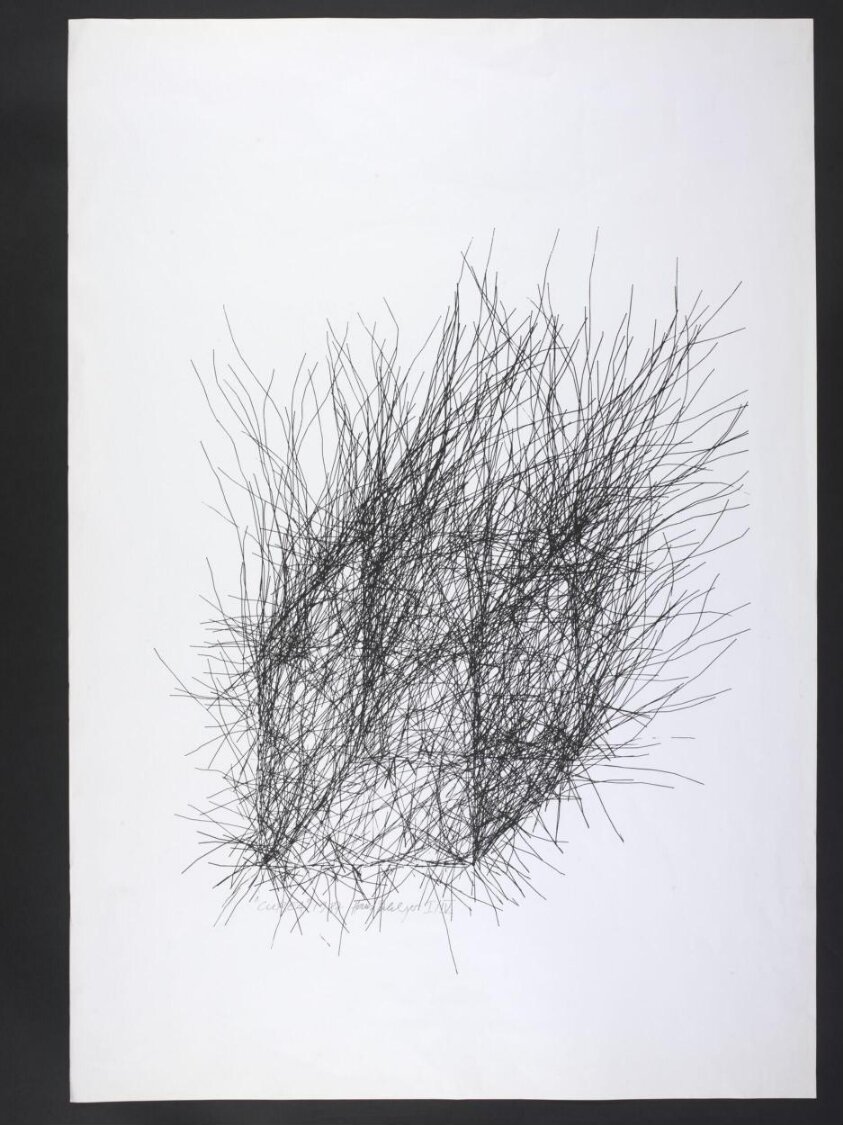
CUBE 4
hans-dehlinger
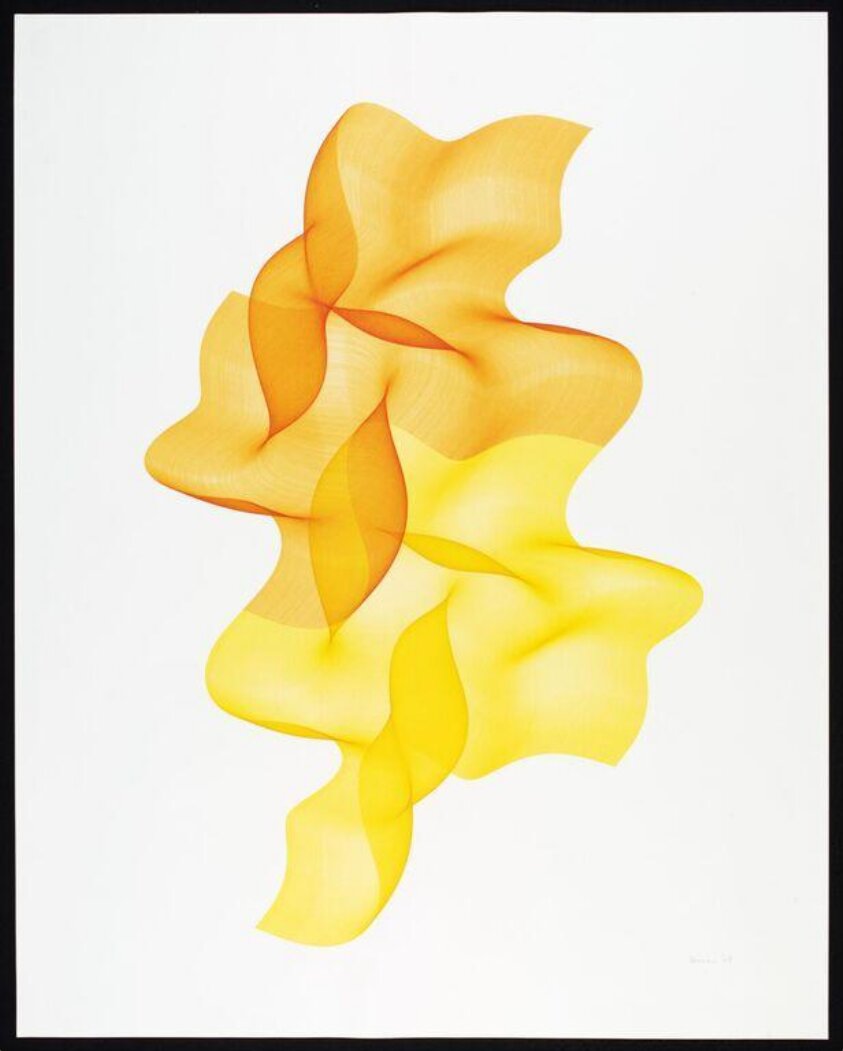
Cyberflower, Sunshine Version I
roman-verostko

Cytographia
golan-levin

Dot Matrix Gradient Study
jake-rockland

Freeplan
xnmtrc
Funktor
erik-swahn

Fushi No Reality - フシノゲンジツ
samsy
Hachure
matt-deslauriers
Hello Modulo
nat-sarkissian

Imperfections
kalis

Letters to My Future Self
ryan-struhl
"Magical" Door
qubibi

Maps
john-provencher

Memories of Qilin
emily-xie

Metropolis
mpkoz

Patchwork Saguaros
jake-rockland

Primitives
aranda-lasch
Shattered
gregoire-plessis
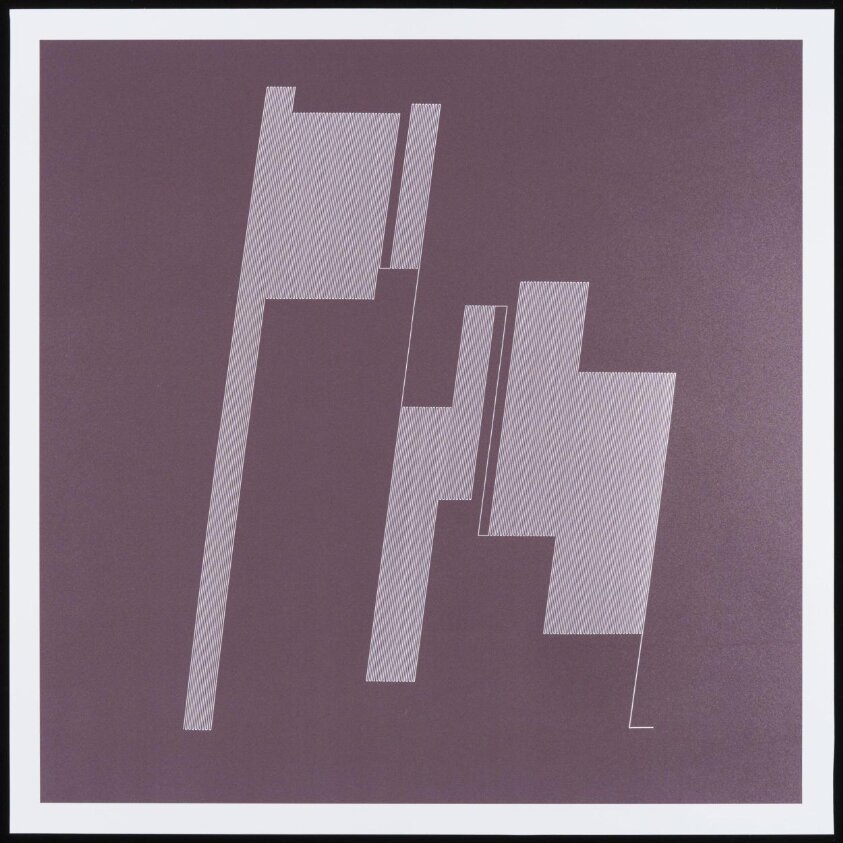
Slant One
auro-lecci

Speckled Summits
jake-rockland

Speak To Me
lisa-orth

SpiroFlakes
alexander-reben

Stipple Sunsets
jake-rockland

Structures
hevey

Thoughts of Meadow
eric-davidson

Two Mathematicians
by-ma

Your Story
encapsuled
Yume no Sekai
kira0
最終更新 2026-07-16